
Virtual try-on for hair
Let shoppers see the shade and length on their own hair.
The question behind every hair purchase is “will this match me?” Adornu shows extensions, wigs and new colours in a photograph of the shopper — so they choose the right shade and length before they buy, or before they book.

Try it now
Six hair examples in the demo
Clip-in extensions in four shades and textures, a curly wig and a sleek bob — each with a ready-made result on our sample model, and live on your own photo.
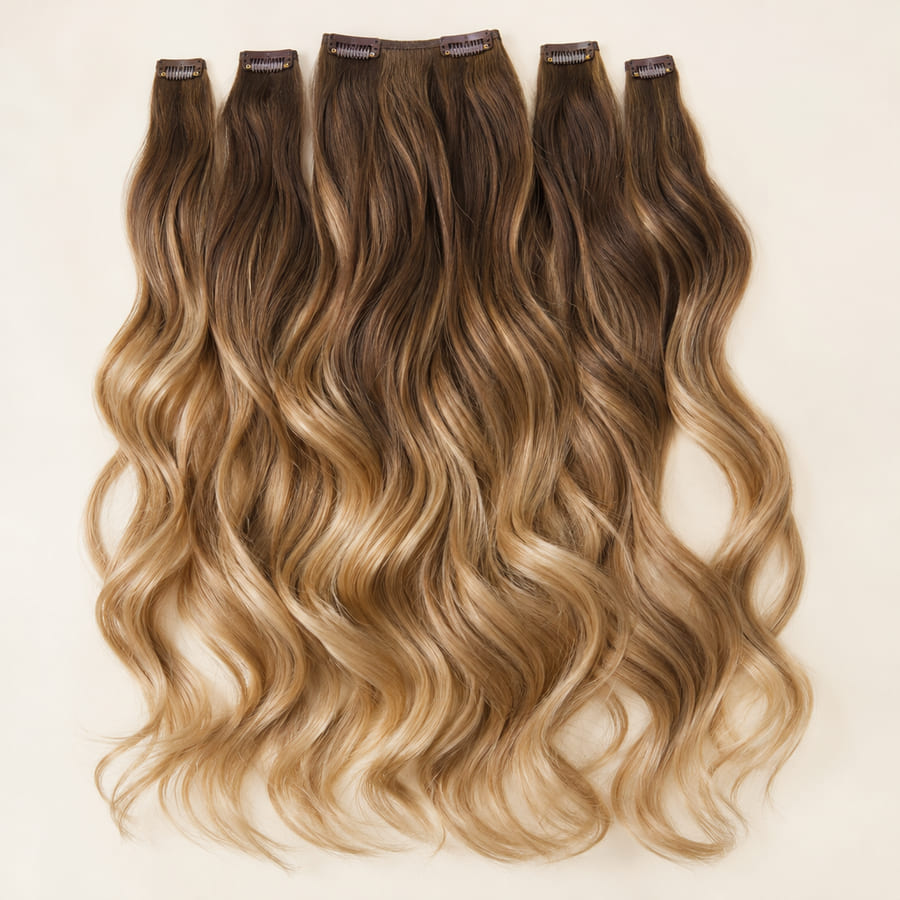
Honey balayage clip-ins
Prepared comparison available in the demo.
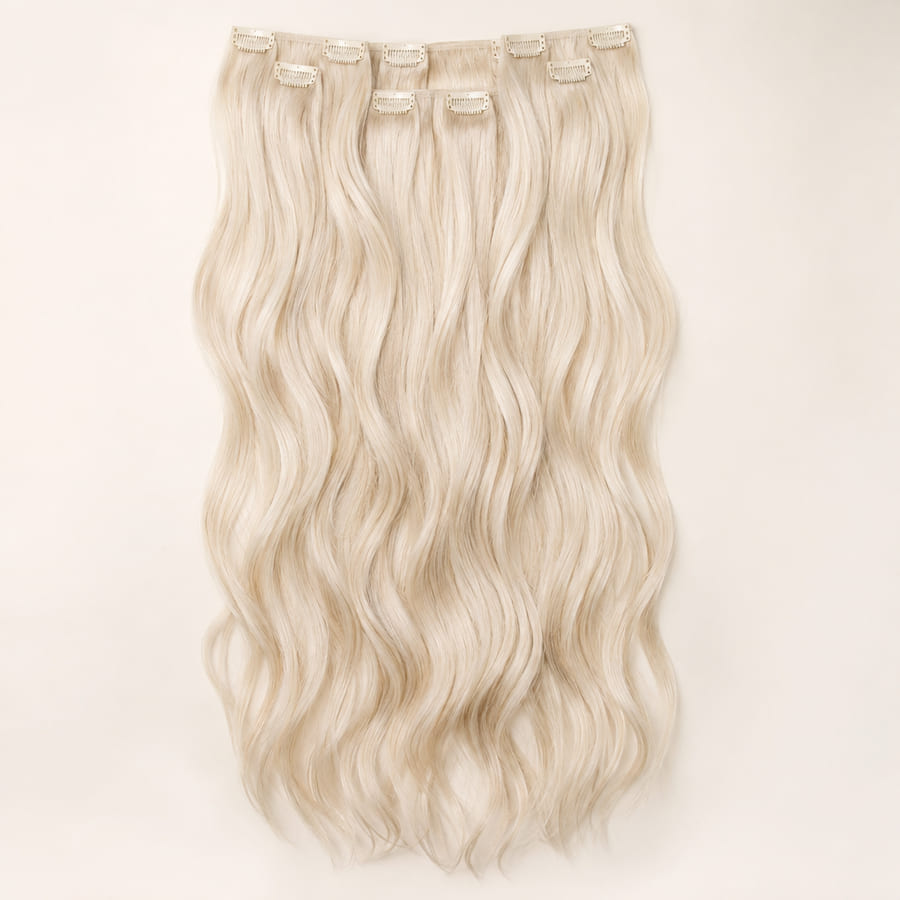
Platinum wave clip-ins
Prepared comparison available in the demo.
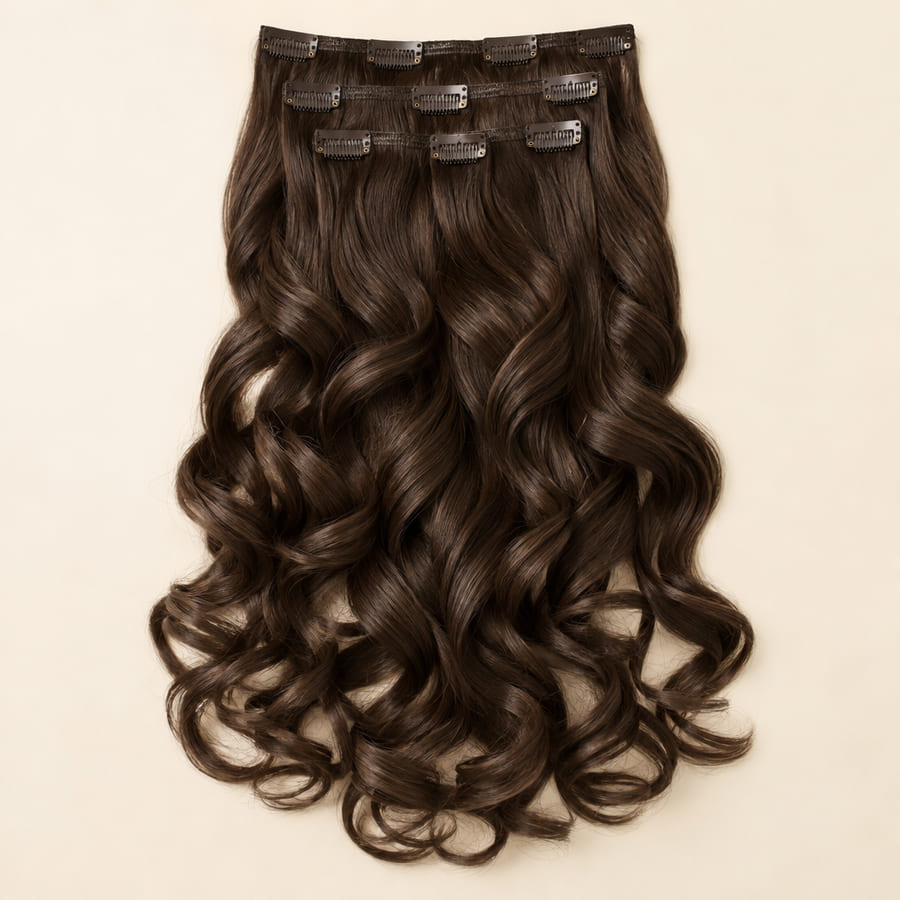
Chocolate curl clip-ins
Prepared comparison available in the demo.
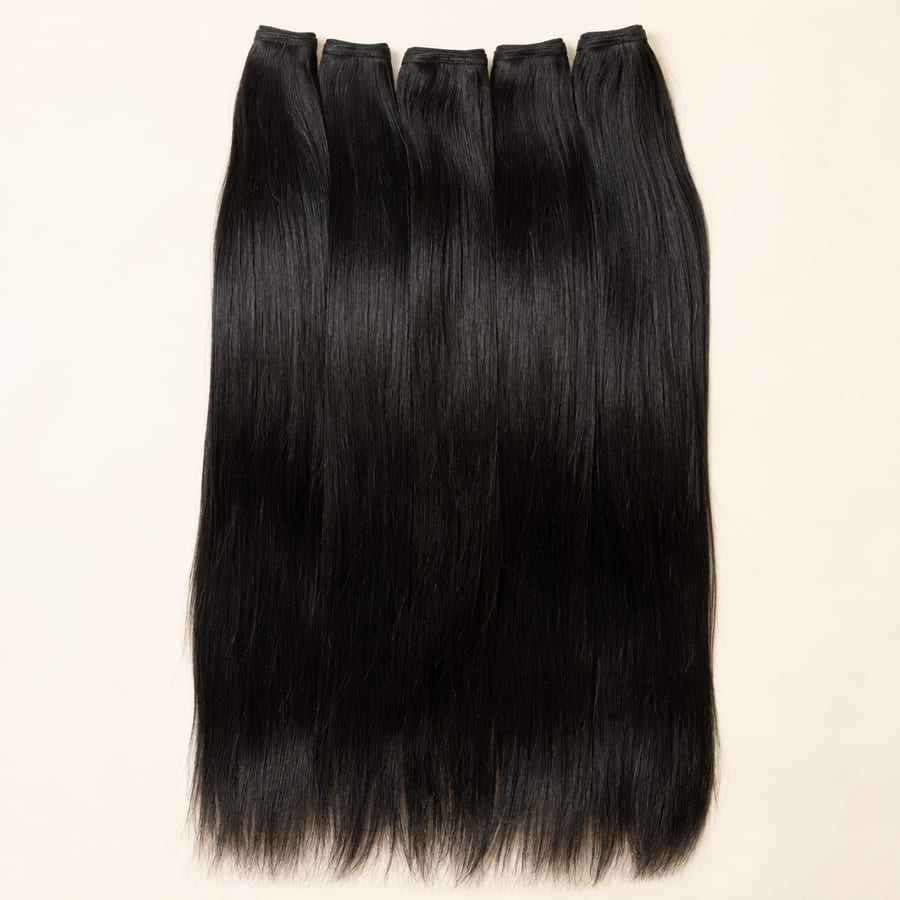
Sleek black extensions
Prepared comparison available in the demo.
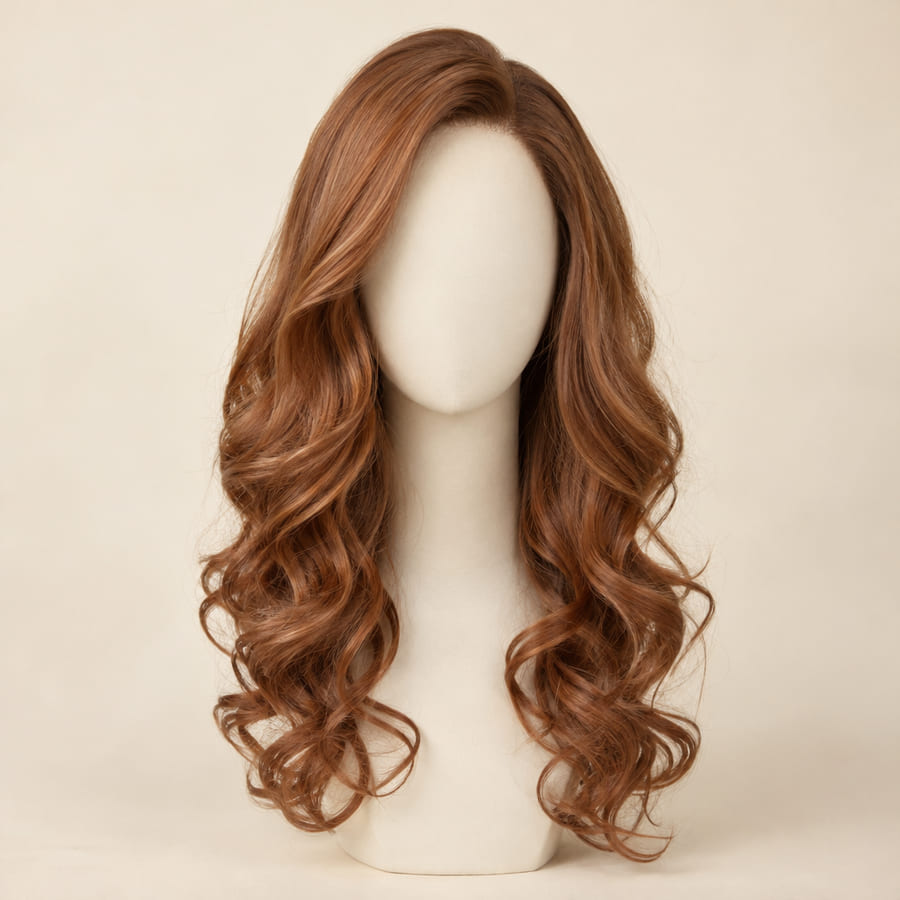
Copper wave wig
Prepared comparison available in the demo.
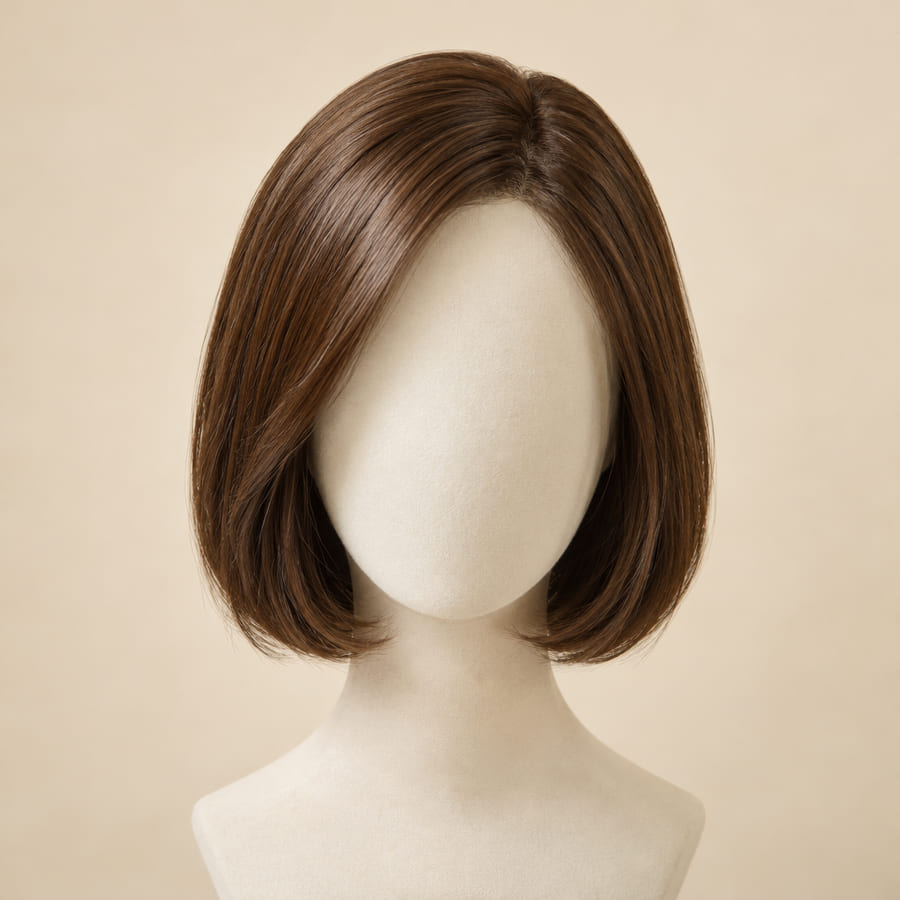
Chestnut bob wig
Prepared comparison available in the demo.


Honey balayage clip-ins, before and after
Prepared example
Honey balayage clip-ins, before and after
A real try-on from Adornu’s engine on the portrait sample model: the same photograph before and after, so the only difference is the hair. Drag the divider to compare.

Honey balayage clip-ins
Prepared example on the sample model.

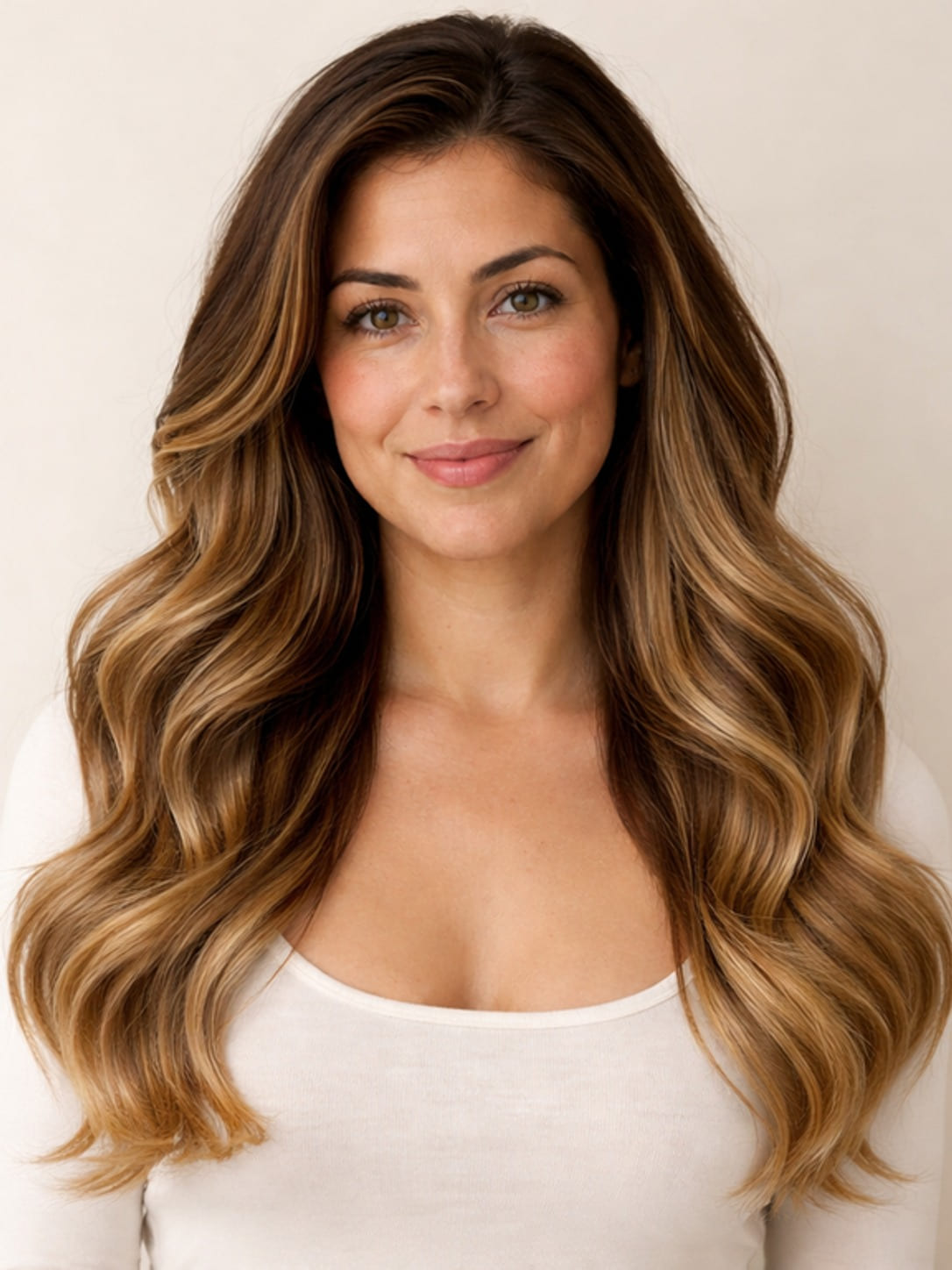
Drag across the photograph, or jump to either side.
Illustrative example.
What shoppers can try
Made for the way hair is bought
Hair extensions and clip-ins
Shade, length and volume on the shopper’s own hair, blended at the roots — the step where most hesitation happens, and the one that decides a return.
Wigs and toppers
A full new look on the shopper’s face and hairline, so a style is judged on them, not on a mannequin head.
Colour and tone
Balayage, blonde, copper or a darker shade, seen against their own skin tone before they commit to it.
Your store’s look
The same button, fitting room, add to cart and email capture as the rest of Adornu, matched to your theme with no code.
For salons
Try the look before the chair
A new cut or colour is a big decision, and a client who has seen it on themselves books with confidence. Adornu can sit on your website or booking page: the client adds a selfie, picks a style or colour, and sees it on themselves — then books the appointment.
For salons we set it up with you — on your site, matched to your brand, and linked to the booking tool you already use.
What it shows
A preview, honest about its limits
What it shows well: how a shade sits against the shopper’s skin and their own hair, how a length or volume changes their silhouette, and the overall impression of a new look.
What it does not establish: an exact colour match under every light, how the hair will feel, or how it will hold a style. Your shade guide, colour-match service and product details remain the reference for those — and the interface says so.
Preparing product photos
What a good hair product image looks like
The hair on its own, laid out
Wefts, clip-ins or a wig on a plain light background, with the full length visible and nothing cropped.
True colour, even light
Daylight-balanced, even lighting with no filters, so the shade the shopper sees is the shade you sell.
One shade per image
Each colour as its own product image, so the try-on shows exactly the variant they would order.
A worn photo helps
A model photo of the hair worn, alongside the product shot, gives the best sense of volume and movement.
Questions
Asked by hair stores and salons
Can I try it now?
Yes — the demo has six hair examples with ready-made results on our sample model, and makes the try-on live on your own photo. For your store or salon, we check the results on your own products first.
Does it work with my Shopify store?
Yes — hair extension and wig stores use the same Adornu Shopify app as clothing and jewelry stores: a try-on button on your product pages, a fitting room and add to cart.
We are a salon, not a shop. Can we use it?
Yes. For salons we set Adornu up on your website or booking page, so clients see a cut or colour on themselves before they book.
What photo should a shopper use?
A front-facing photo with their hair and shoulders in view, in even light, without a hat or hood. Their photo is used only to make the picture and is never stored.
See hair try-on on your own products.
Tell us about your store or salon and we will set up a demo with your extensions, wigs or colours.