
Virtual try-on for fashion stores
Let shoppers explore a garment on themselves, full length.
A dress on a hanger and a dress on a person are two different pictures. Adornu shows the garment in a photograph of the shopper, head to toe, so silhouette, length and styling are what they compare.

The garments
Three clothing examples in the demo
Photography for all three is on the site. A prepared before/after comparison exists for the plum midi dress; the ivory blouse and the tailored jacket are shown as product thumbnails only, with no generated result.
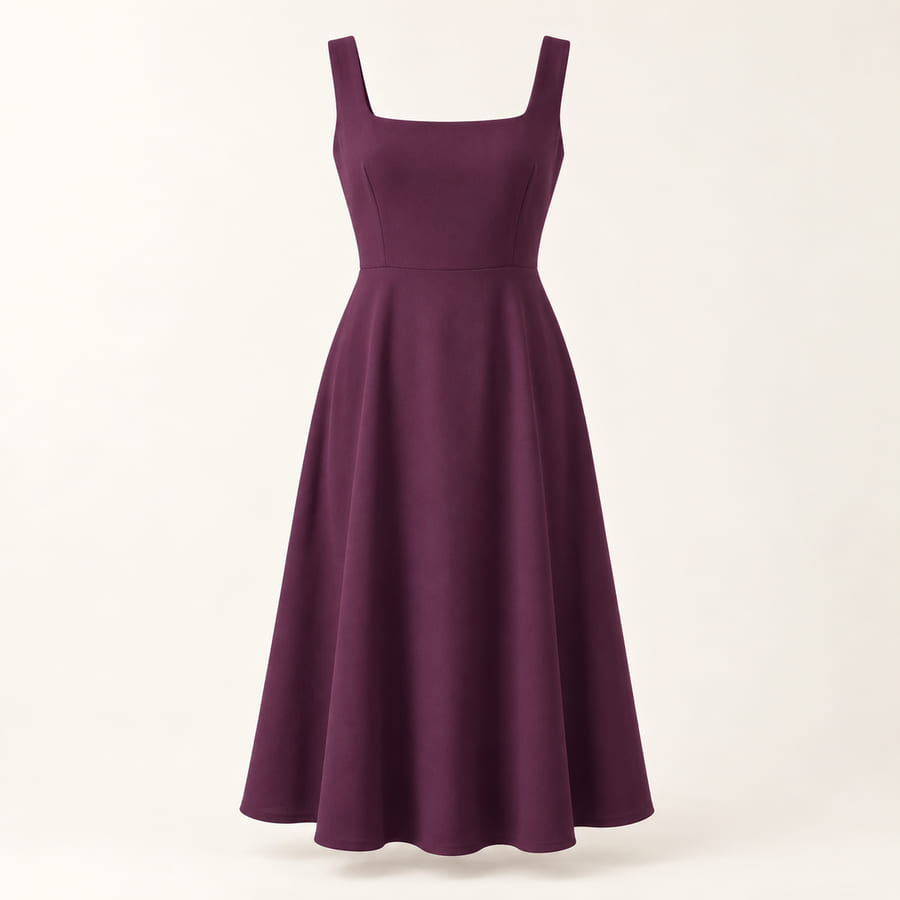
Plum midi dress
Prepared comparison available in the demo.
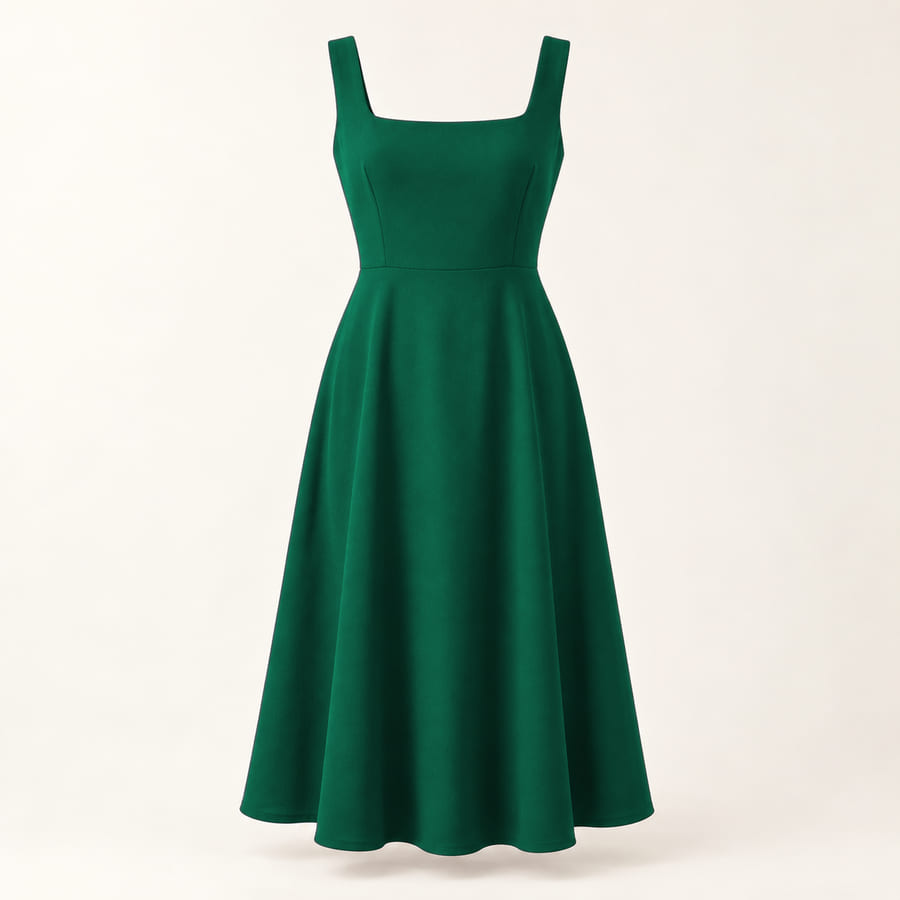
Emerald midi dress
Prepared comparison available in the demo.
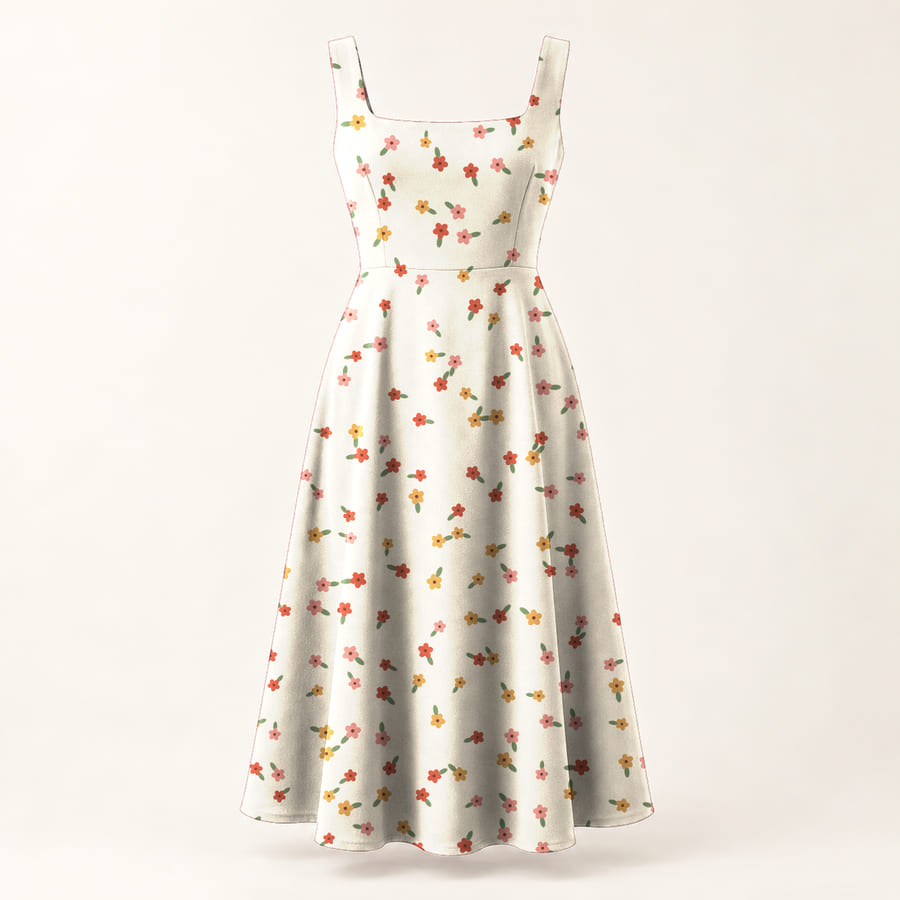
Floral midi dress
Prepared comparison available in the demo.
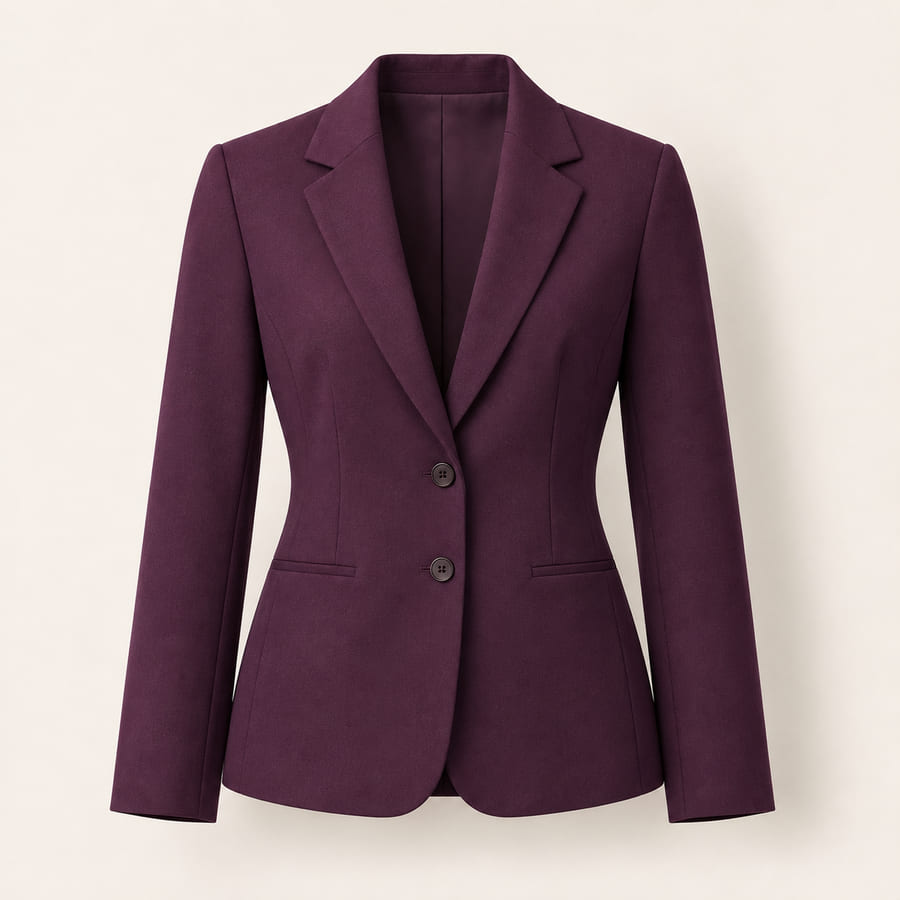
Tailored jacket
Prepared comparison available in the demo.
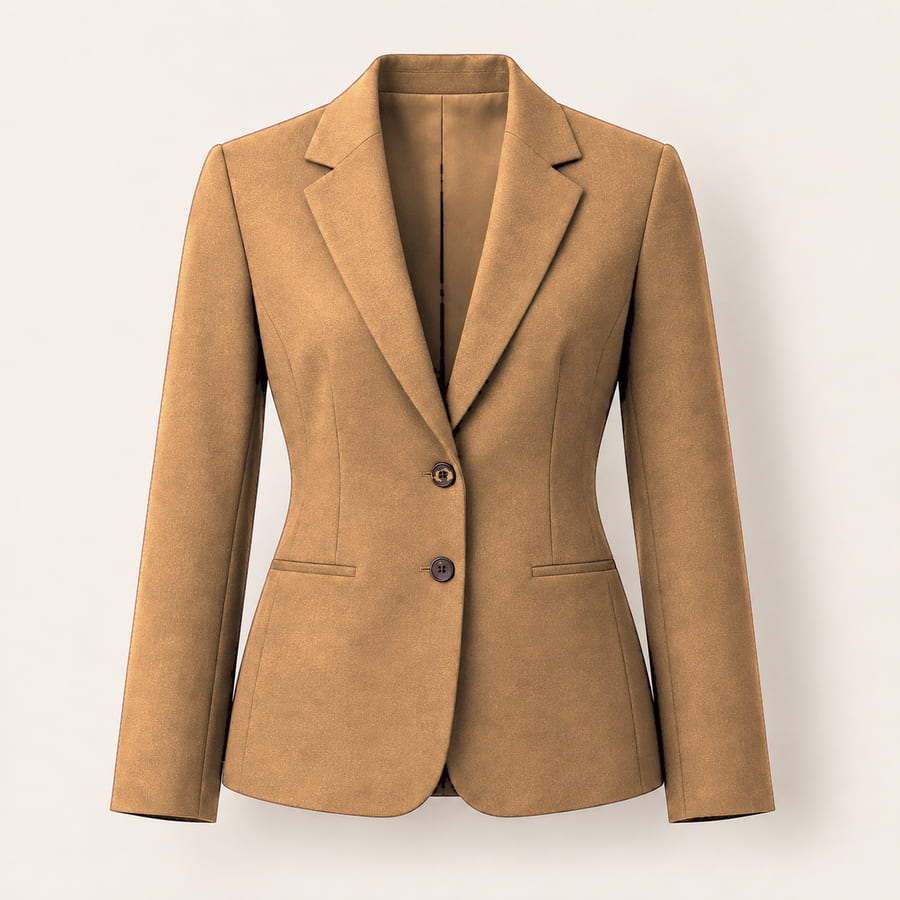
Camel blazer
Prepared comparison available in the demo.
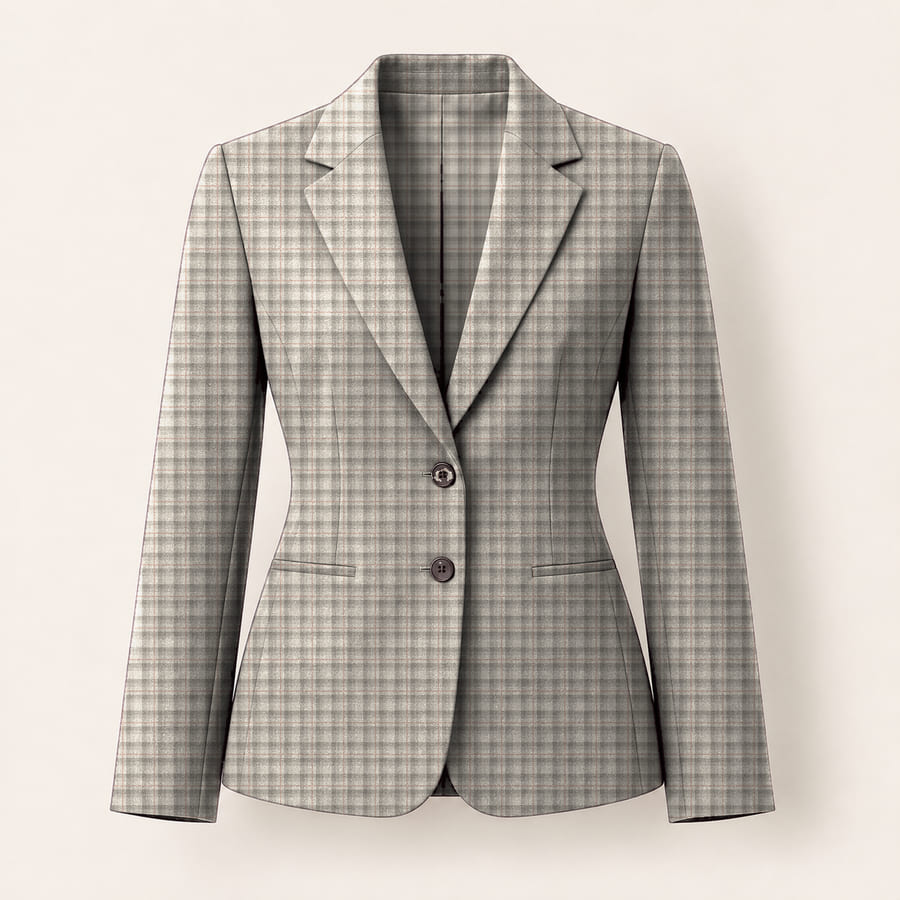
Glen check blazer
Prepared comparison available in the demo.


The plum midi dress, before and after
Prepared example
The plum midi dress, before and after
A prepared pair on the full-body sample model: the same photograph in plain clothing and in the dress, with the pose and lighting unchanged. Drag the divider to compare.

Plum midi dress
Prepared example on the sample model.
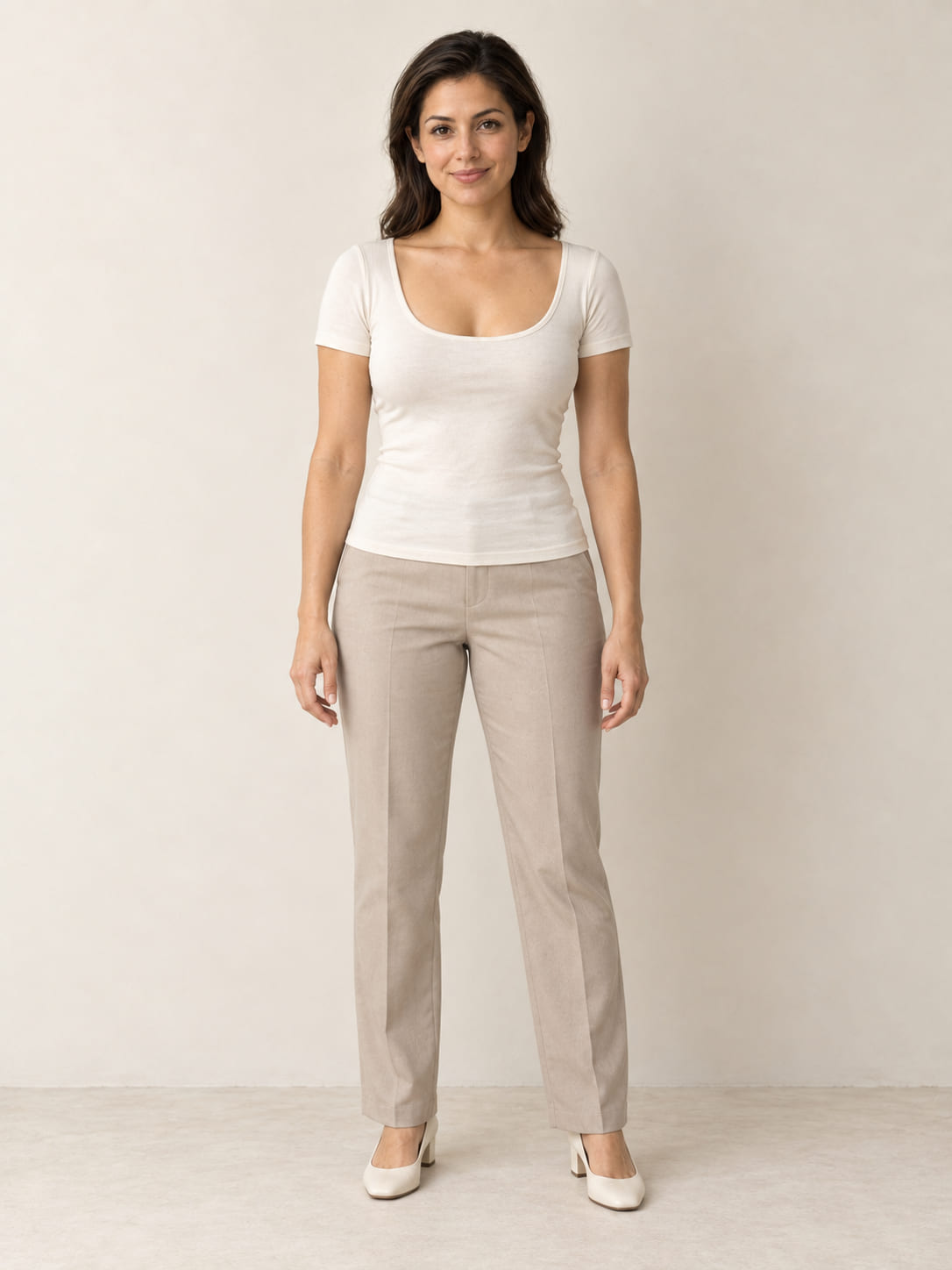
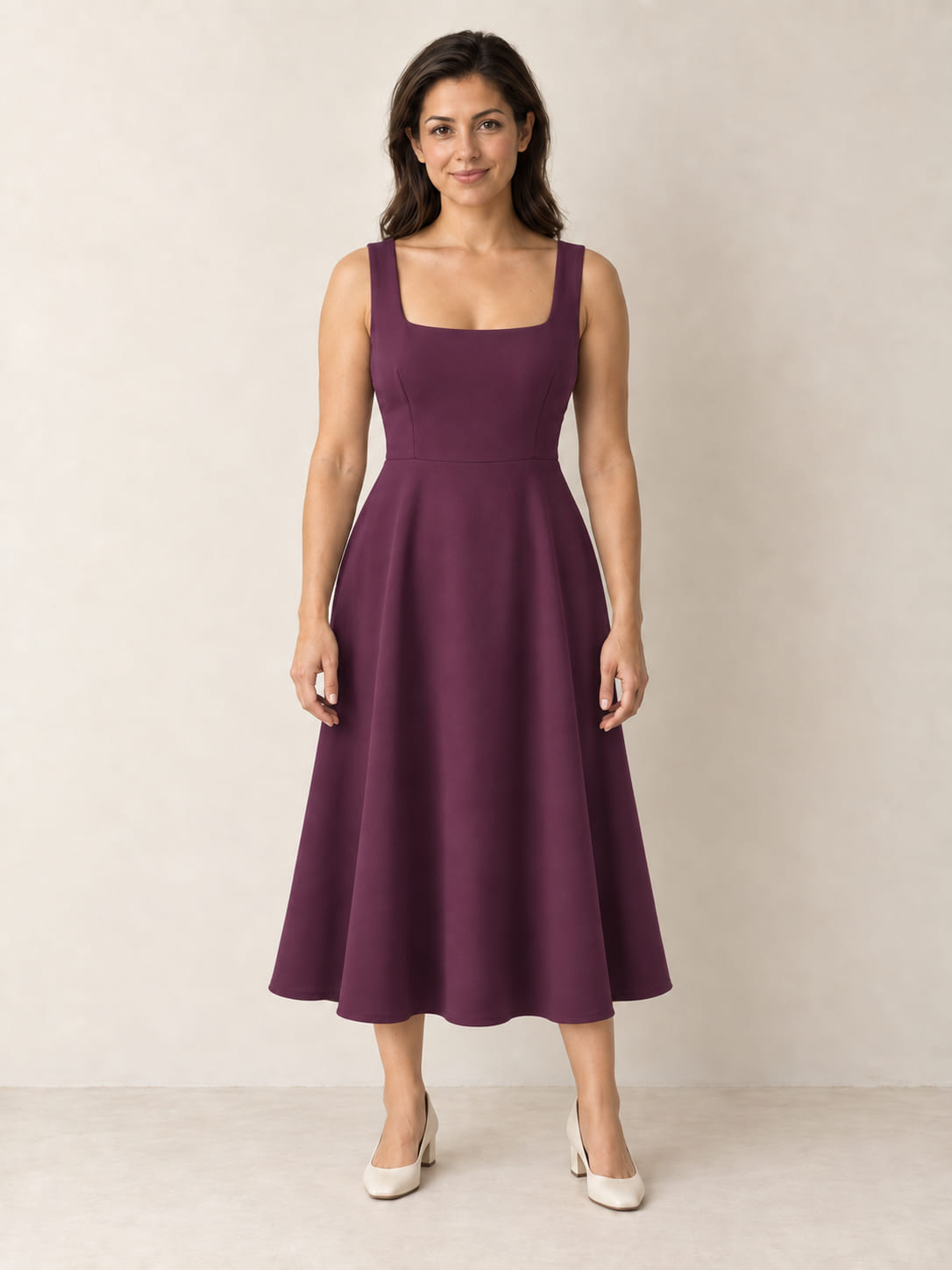
Drag across the photograph, or jump to either side.
Illustrative example.
Styling and silhouette
What it shows, and what it leaves to your size guide
Clothing has to be read head to toe. A visualization that keeps the shopper’s pose, proportions and lighting lets them judge length, silhouette, neckline and how a colour sits against their own skin and hair — the things a catalogue shot on somebody else cannot tell them.
It is a styling view, not a fitting room. It does not establish physical fit, sizing, fabric drape under movement, or exact colour. Your size guide, measurements and fabric descriptions remain the authority on those, and the interface says as much.
Preparing product photos
What a good garment image looks like
Ghost mannequin or flat, plain background
The garment alone, shaped as worn, on a plain light background. The demo’s dress, blouse and jacket cut-outs are the reference.
Square, sharp, front-on
A square crop at 1200 × 1200 or larger, in focus and evenly lit, photographed straight on so the true silhouette is visible.
Whole garment in frame
Hem to neckline, sleeves included, with nothing cropped. A partial garment cannot be placed convincingly.
One colourway per image
Each colour as its own product image rather than a composite, so what the shopper sees on themselves is the item they would order.
Questions
Asked by merchants in this category
Which garments have a try-on result?
On this site, the plum midi dress, the ivory blouse and the tailored jacket, each with a ready-made result on our sample model — shown instantly, no AI call.
Does it tell a shopper what size to order?
No. It shows styling and silhouette in a photograph. Size, fit and fabric behaviour remain what your size guide and product details say.
Can a shopper use a photo of themselves?
They can add one, and the demo makes the try-on live with AI — the same engine stores use — in about 20 seconds. Five AI try-ons per visit.
See the clothing examples in the demo.
Choose the plum midi dress on the full-body sample model for the prepared comparison, or any example on your own photo.