
Virtual try-on for fashion & jewelry
Let shoppers see it on themselves.
AI virtual try-on for your Shopify store: customers see fashion and jewelry on themselves, right on the product page.

A silent screen recording of the demo on this page. The plum midi dress is selected from the example products, "Upload your photo" is chosen and a full-length photograph of a woman in an ivory T-shirt and light trousers is added, and "See it on you" is pressed. A prepared example of the same woman wearing the plum midi dress appears; the comparison divider is moved slowly across the photograph, then "After" is selected and the finished dress is held in view.
Interface walkthrough · Prepared try-on example
The shopper experience
Try the experience with your products.
Choose an example product, then our sample model or your own photo.
Choose a product
Choose a photo
See the result
Citrine pendant necklace

How it works
Three steps, inside your product page.
The experience a shopper is meant to have once Adornu is part of your storefront.
Choose a product
A shopper picks an item from your catalogue — the same product they were already looking at, no separate app or account. In the demo above, try any of the example products on your own photo.
Choose a photo
They supply a photo of themselves as the starting point, or use a sample model to see how the flow works.
See the result
They see the piece placed in the photo, compare it against the original, and carry on browsing your store.
What the demo above does
Choose an example product, and our sample model or your own photo. On the sample model the result is instant; on your own photo it is made live by AI, five try-ons per visit.
For your store
Built around how people actually shop.
Presentation
Make the product personal
A catalogue photograph shows a piece on someone else. A try-on view answers the question a shopper is already asking: what would this look like on me?
- Your own photography stays the reference for how a piece really looks
Placement
Bring the experience into your store
Adornu is a component of your product page, not a destination of its own. The shopper stays on your site, in your layout.
- No separate app, download or account for the shopper
Discovery
Give shoppers more to explore
When trying a second piece costs nothing, a catalogue becomes a set of options worth working through rather than one listing to stop at.
- Works for jewelry and for clothing, from the same product page
Two categories, one experience
Jewelry and fashion, side by side.
The same flow covers a fine chain and a full garment.
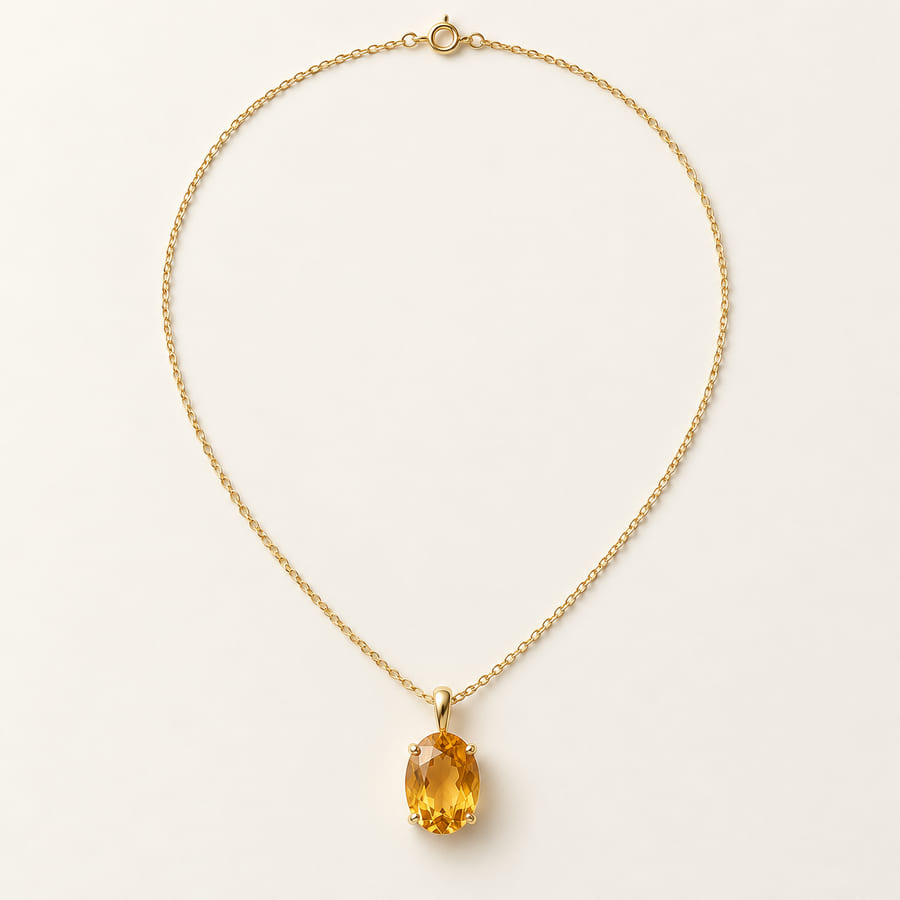
Jewelry
Fine detail, close up
Small pieces live or die on detail — how a chain sits, where a pendant falls. The preview keeps the original framing, so the difference is the piece itself.
Citrine pendant necklace

Illustrative example Fashion
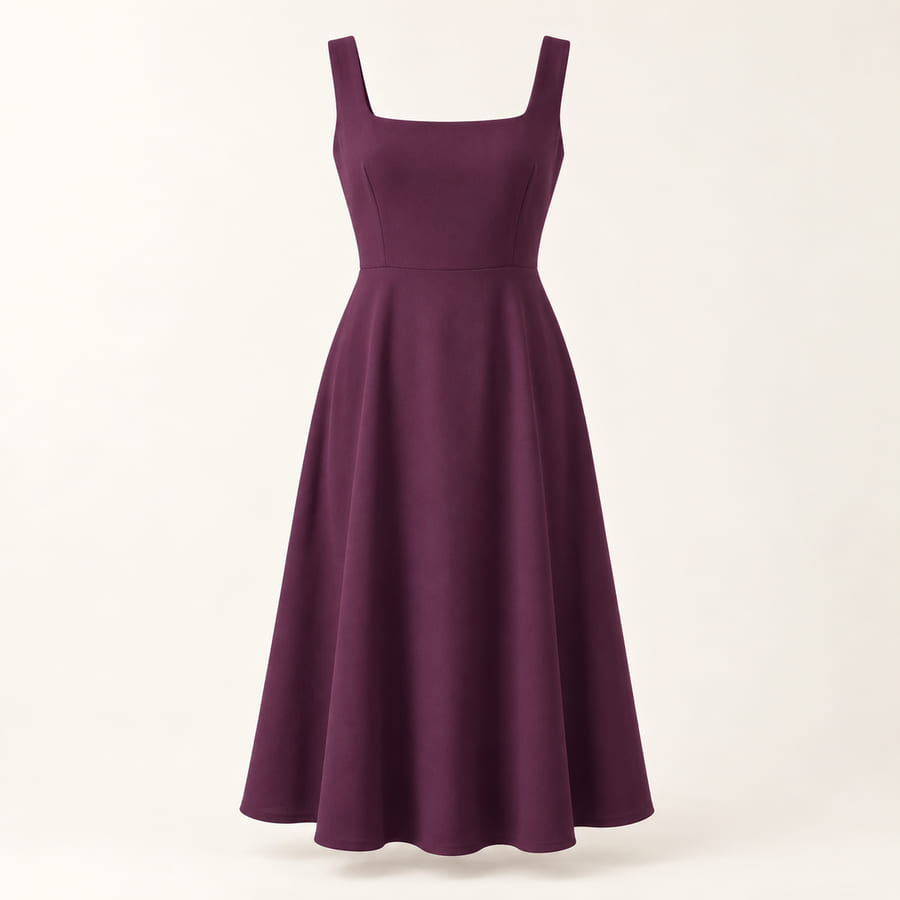
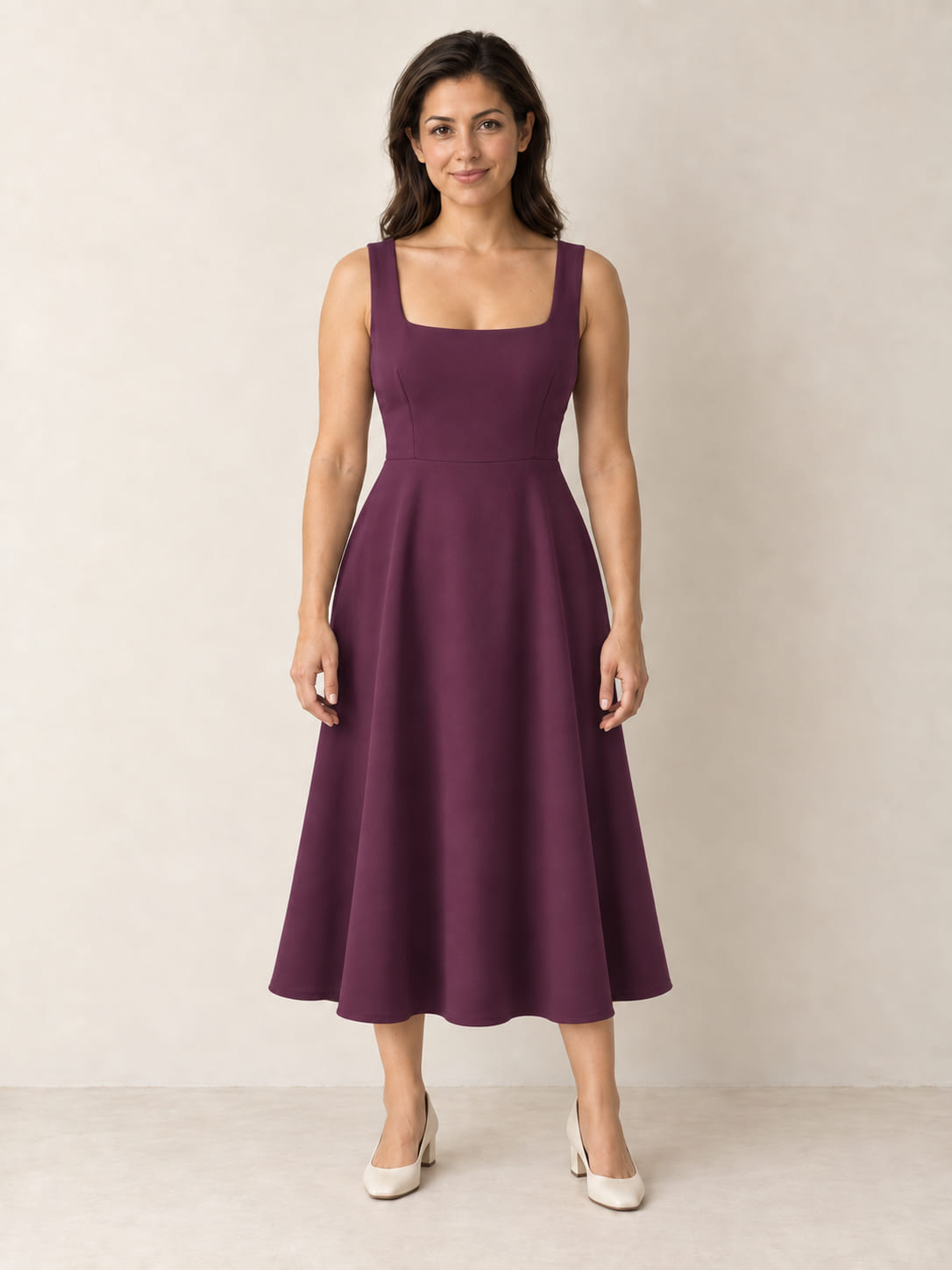
Full silhouette, full length
A garment has to be read head to toe. The preview keeps the pose and lighting, so silhouette and drape are what change.
Plum midi dress
Illustrative example


FAQ
Your questions, answered.
What does virtual try-on show?
A styling visualization: an impression of how a piece might look in a photograph, the way a well-styled catalogue shot does.
It does not establish physical fit, sizing, exact colour or material accuracy. Screens vary and materials read differently under real light. Your size guide, measurements and material descriptions remain the authority on all of those.
What does the demo on this page do?
It is the real try-on. You choose one of the example products, and use our sample model or a photo of yourself.
On the sample model, every example has a ready-made before-and-after result, shown instantly. On your own photo, the AI makes it live in about 20 seconds — five try-ons per visit.
Can I use my own photo?
Yes. Press “See it on you” and the AI places the piece on your photo, live. A clear, front-facing photo of just you works best.
We will not pair your images with a picture of our model and call the result yours. If you want to see a finished comparison, there is a button that switches to a prepared example and says so on screen.
How are photos handled in this demo?
A photo you add stays in your browser until you press “See it on you”. Then it is sent to make your try-on, processed in memory by Adornu and its AI provider, and not stored; the finished picture is handed back to your browser and deleted on our side.
To keep the demo fair to everyone, each visit gets five AI try-ons and each network a few visits a day; for that we keep a scrambled (hashed) form of your network address for a few days, never the address itself. The privacy notice has the details.
How can a merchant discuss setup?
Use the enquiry form at the end of this page. Tell us what you sell and what your product pages look like today.
We are not publishing a list of supported platforms or an installation method yet. What fits your store is a conversation, not a checkbox.
Bring a new perspective to your store.
Tell us about your store and what you would want shoppers to be able to try on.
Or email hello@adornu.io.