
Virtual try-on for jewelry stores
Let shoppers see a piece in context, not on a plain background.
A necklace or a pair of earrings reads differently at the base of a neck than on a velvet card. Adornu puts the piece in a photograph of the shopper, at the size and position it would actually sit.

The pieces
Three jewelry examples in the demo
Photography for all three is on the site. A prepared before/after comparison exists for the citrine pendant necklace; the hoops and the delicate pendant are shown as product thumbnails only, with no generated result.
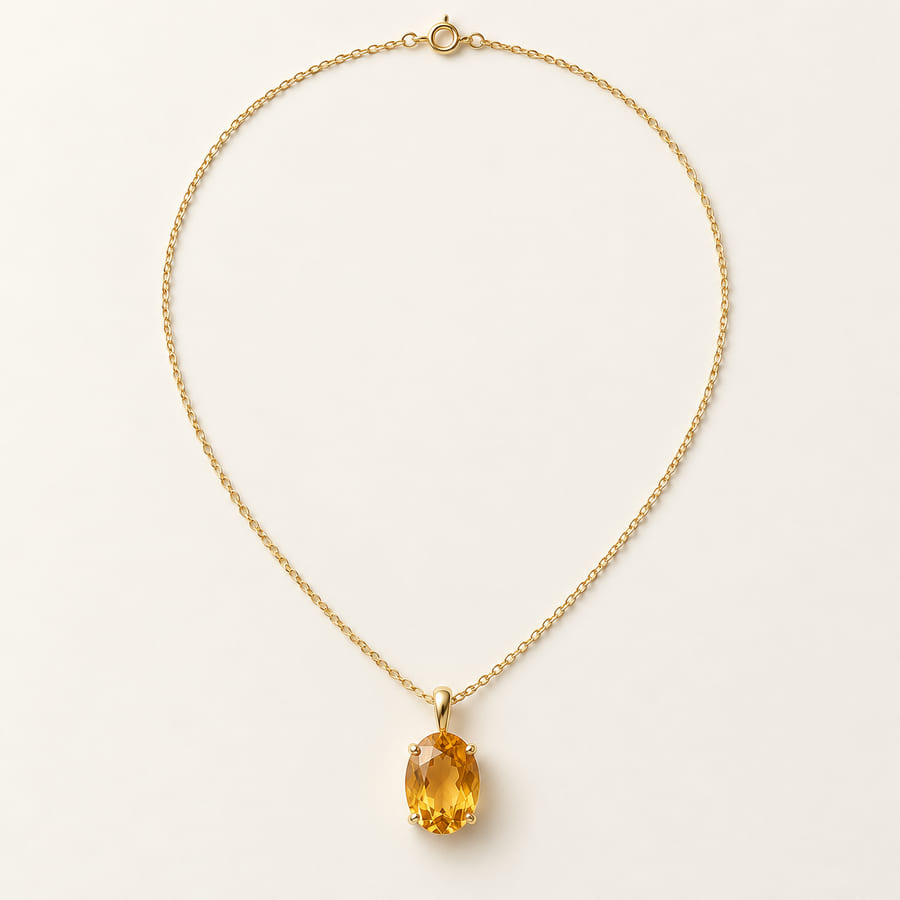
Citrine pendant necklace
Prepared comparison available in the demo.
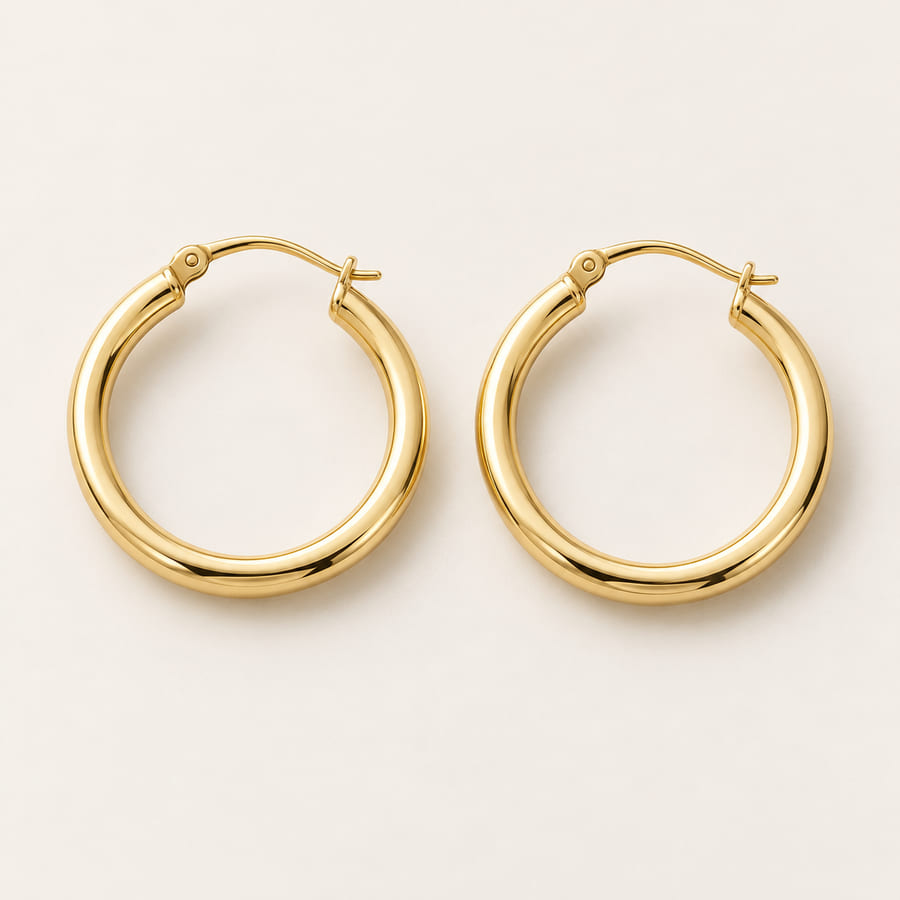
Gold hoop earrings
Prepared comparison available in the demo.
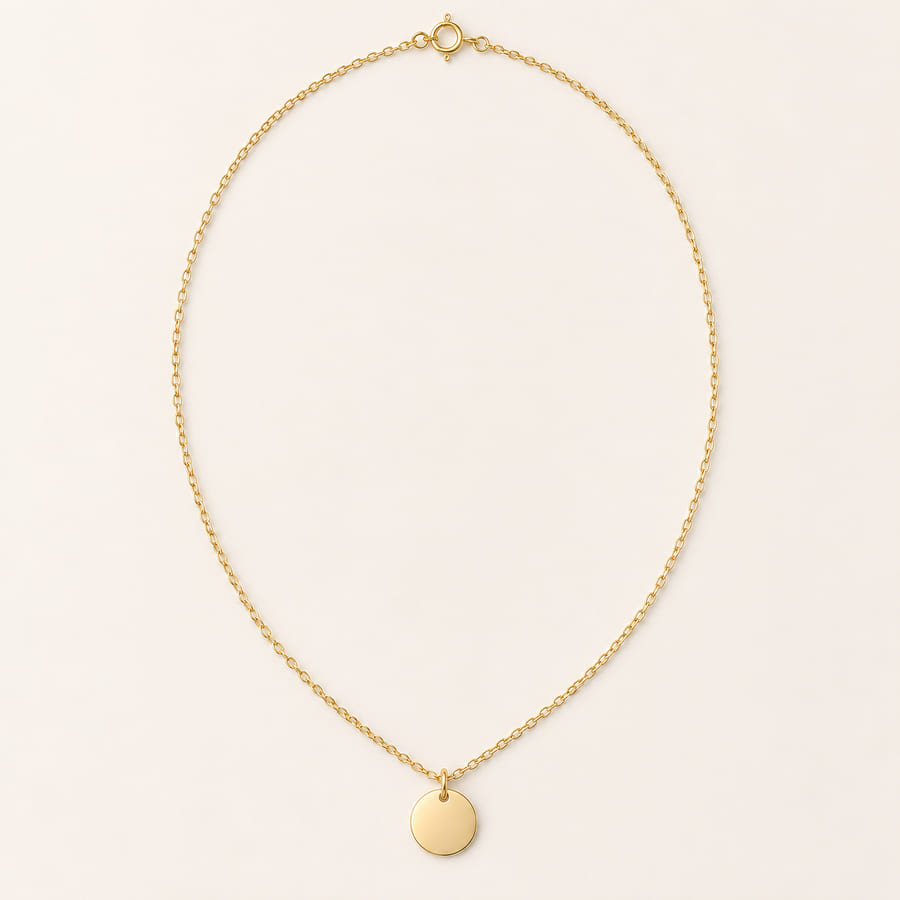
Delicate pendant necklace
Prepared comparison available in the demo.


The citrine pendant necklace, before and after
Prepared example
The citrine pendant necklace, before and after
A prepared pair on the portrait sample model: the same photograph without and with the necklace, so the only difference is the piece. Drag the divider to compare.

Citrine pendant necklace
Prepared example on the sample model.

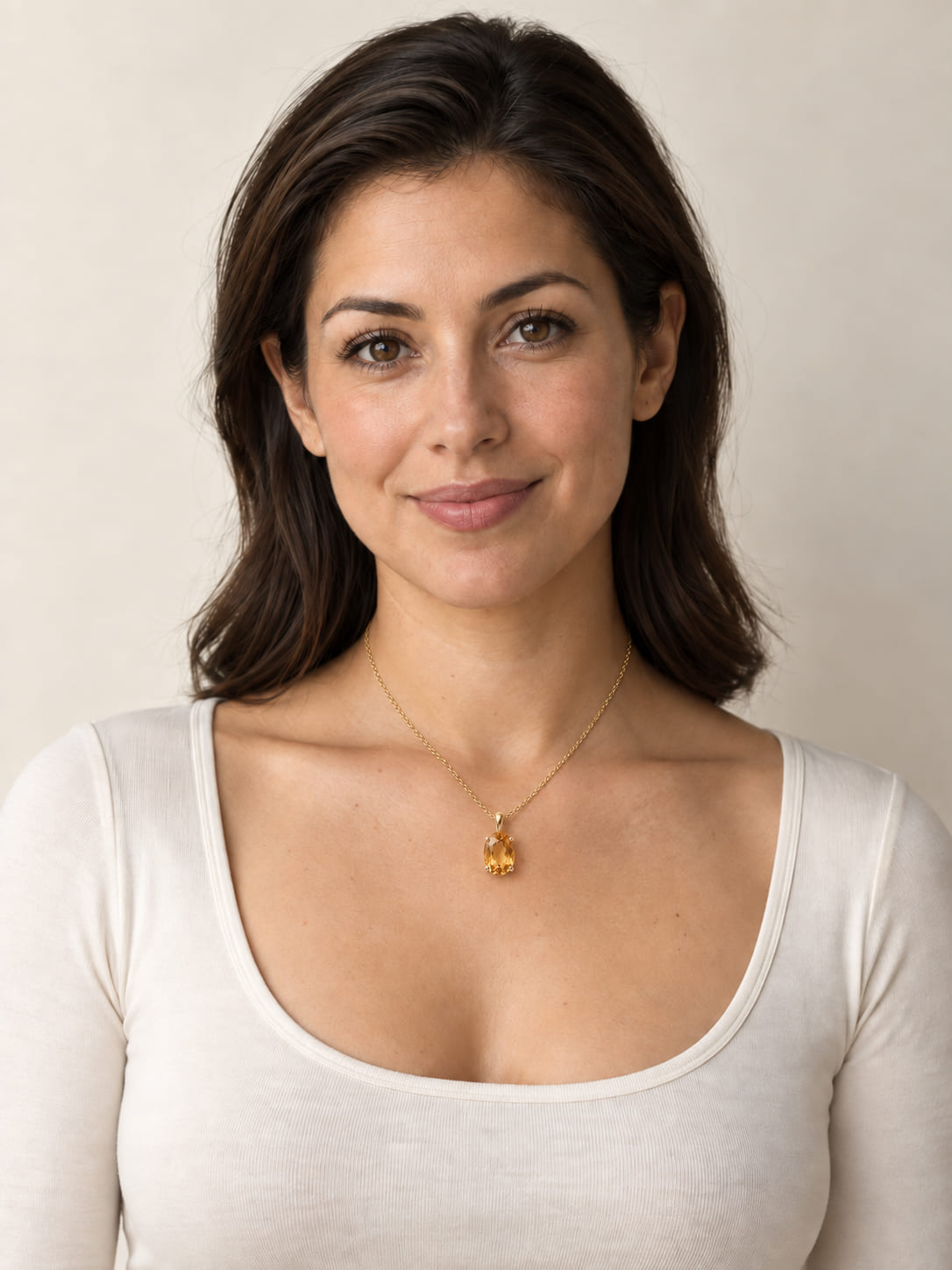
Drag across the photograph, or jump to either side.
Illustrative example.
Placement and styling
What a shopper is actually looking at
Jewelry sells on small things: where a pendant falls, how a chain sits against a neckline, whether hoops read as delicate or bold at real size. A visualization is useful when it answers those questions and honest when it does not pretend to answer others.
What it shows well: position and scale on the body, how the piece relates to a neckline or hairstyle, and the overall impression of a look. What it does not establish: exact metal colour under real light, gemstone brilliance, or how a clasp or length will feel. Your product description and photography remain the reference for those.
Preparing product photos
What a good product image looks like
One piece, plain background
A single item on a plain, light background, without props, hands or a display bust. The demo’s example cut-outs are the reference.
Square, sharp, front-on
A square crop at 1200 × 1200 or larger, in focus, lit evenly, and photographed straight on so the piece’s true shape is visible.
Consistent across the range
The same background, scale and angle for every piece, so a shopper comparing two necklaces is comparing the necklaces, not the photography.
Chains and earrings laid as worn
A necklace laid in the curve it takes on a neck, earrings as a pair at their real spacing. A tangled chain or a single earring gives less to work with.
Questions
Asked by merchants in this category
Which jewelry pieces have a try-on result?
On this site, the citrine pendant necklace, the gold hoop earrings and the delicate pendant necklace, each with a ready-made result on our sample model — shown instantly, no AI call.
Can a shopper use their own photo?
They can add one, and the demo places the piece on it live with AI — the same engine stores use — in about 20 seconds. Five AI try-ons per visit.
Does it show true metal colour or stone quality?
No. Screens vary and materials read differently under real light. Treat the visualization as placement and styling, and your product photography and descriptions as the reference for the piece itself.
See the jewelry examples in the demo.
Choose the citrine necklace on the sample model for the prepared comparison, or any example on your own photo.